
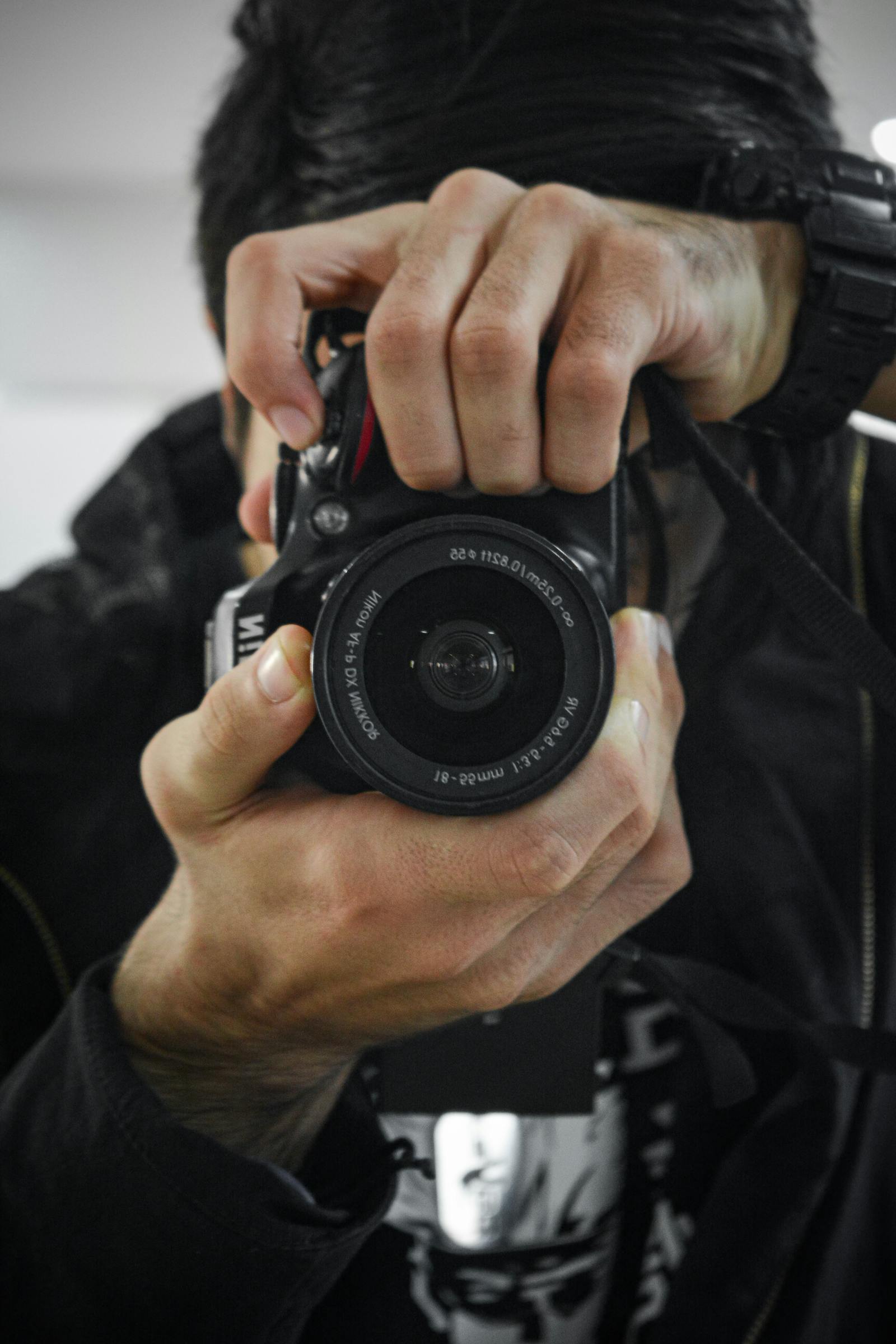
Take a look at your website's homepage right now. The big hero image at the top, the photos on your about page, the team photos, the project shots. Are they real? Or are they stock photos of generic-looking people in suits shaking hands?
If they're stock, here's the bad news: your visitors know. Maybe not consciously — they might not be able to articulate why your site feels off — but on some level, they sense it. Stock photos read as fake, and fake erodes trust before they've read a single word of your copy.
The fix is the cheapest upgrade your website can get. And in 2026, you don't need a $5,000 photoshoot to do it. You probably have a perfectly good camera in your pocket.
Why Stock Photos Hurt You More Than You Think
Stock photos became standard because they're easy. Need a hero image? Grab one from Unsplash. Need a photo for your services page? Grab another. Three minutes and you have a complete site.
The problem is that everybody else did the same thing. The same handful of stock photos appear on hundreds of small business websites in your industry. That "diverse team smiling at a laptop" photo? It's on a real estate site, a marketing agency, a dentist, an accountant, a chiropractor. Visitors have seen it dozens of times. They might not consciously remember, but their brain pattern-matches: generic.
Three things happen when a visitor sees obvious stock photography on your site:
- Trust drops. If you couldn't even take real photos of your business, what else are you faking?
- Perceived professionalism drops. Real businesses have real photos. Stock photos signal "someone built this in a weekend."
- Memory drops. Generic photos don't stick. Visitors leave with no specific impression of your business.
None of this is fatal individually. But when you stack a stock hero photo, stock service icons, stock testimonial avatars, and a stock about-page photo, you've built a site that looks identical to thousands of other small businesses. You've done the work, paid for the development, and ended up invisible.
What Real Photos Do That Stock Can't
Real photos do something stock photos physically can't: they prove you exist.
A real photo of your storefront tells visitors you have an actual location. A real photo of you at your desk tells them there's a real human running this business. A real photo of your work tells them you've actually done this before. A real headshot tells them what you look like, so when they meet you, they recognize you.
None of this is dramatic or surprising — but it's exactly what stock photos can't do. A stock photo of a generic team can't prove your team exists. A stock photo of "happy customers" can't prove anyone has ever paid you.
The other thing real photos do: they make your site feel local. A photo of your shop, your truck, your neighborhood, your actual customers — these tell visitors you're a real business in their community. For local service businesses, this is enormous. People want to hire someone here, not someone who could be anywhere.
The Modern iPhone Is Plenty
Here's what changed in the last 5 years: phone cameras got good enough that the gap between a smartphone and a $3,000 DSLR is invisible to a website visitor.
An iPhone 14 or newer, in good lighting, with a steady hand and a tiny bit of thought, can produce photos that look completely professional on a website. Same for recent Pixels, Samsungs, and most flagship phones. We're not talking about printing billboards. We're talking about images that will be displayed at 1200 pixels wide on someone's laptop or 400 pixels wide on their phone.
What matters at that size:
- Good lighting. Window light is free and looks better than any indoor lighting setup. Shoot during the day, near a window, with the light behind you (not behind your subject).
- Sharp focus. Tap the screen on your subject before shooting. Most phones do this automatically but tapping locks it.
- Clean backgrounds. A messy background distracts. Plain wall, blurred outdoors, anything uncluttered.
- A reasonable angle. Eye level usually works. Avoid weird up-the-nose shots.
That's it. That's the whole technique. You don't need filters, you don't need a tripod for most shots, you don't need expensive lenses.
The Photos Every Small Business Website Needs
You don't need 100 photos. You need a small set of essential ones, and you need them to be real.
1. A real photo of you (or your team)
Even if your business is just you, get a real headshot. It doesn't have to be a studio shot — a photo of you outside your shop, at your desk, on a job site. The point is to show that a real human runs this business.
2. A real photo of your space or work
If you have a physical location, photograph it. If you do client work (web design, plumbing, landscaping, photography), photograph the work itself. Before-and-after shots are gold. Process shots — you mid-job, mid-project — are even better.
3. A real hero image
The big photo at the top of your homepage. This should be the strongest, most representative image of your business. Not a stock landscape. Not generic skyscrapers. Something that tells a visitor what you do in one glance.
4. Real photos of products or services
If you sell physical products, photograph them on a clean background. If you provide a service, photograph the result of that service. A landscaper's site should show their lawns, not generic grass.
5. Real photos of customers (with permission)
Nothing is more credible than a real customer's face next to their testimonial. Most happy customers will let you take their photo if you ask. The contrast between a real customer photo and the stock-art human silhouette icon is enormous.
When You Actually Need a Pro
Phone photos work for 90% of what a small business website needs. The cases where it's worth hiring a pro:
- Hero / brand photography for high-end services where the visual quality has to signal premium pricing.
- Product photography for e-commerce, where lighting, color accuracy, and consistency across hundreds of shots matter.
- Headshots for a team where you want everyone to look consistent.
Even then, a local photographer for a half-day session is usually a few hundred dollars — not thousands. And the photos last for years.
Quick Audit: Are Your Photos Actually Real?
Open your website right now and walk through every page. For each photo, ask:
- Is this an actual photo from my business, or is it stock?
- If it's stock, what would a real photo of my business look like instead?
- Could I take that photo with my phone in the next 30 minutes?
For most small business sites, you can replace 80% of the stock photos with phone photos in an afternoon. The site will instantly feel more authentic, more local, and more credible.
One Caveat: Quality Still Matters
This isn't permission to upload blurry, dark, sideways phone photos. A bad real photo is worse than a generic stock photo, because it makes your business look unprofessional in a way stock photos don't.
The bar isn't "any phone photo." The bar is "a phone photo that's in focus, well-lit, and not embarrassing." Most people clear that bar with a few minutes of attention. If you can't, that's where a pro becomes worth it.
Also: compress your images before they go on the site. A 4MB iPhone photo will tank your page speed. Run them through Squoosh or TinyPNG, or have your developer handle the optimization on the way in.
My Take
One of the biggest single jolts of "this looks better" on a small business website almost always comes from swapping stock photos for real ones. The new layout helps. The cleaner copy helps. But replacing the generic stock with photos that prove the business exists — that's the part that makes visitors actually believe you.
The technology gap that used to justify stock photos is gone. Your phone is the camera. Your business is the subject. The only thing missing is the decision to do it.
If your homepage is currently anchored by a stock photo, replace it this weekend. You'll be shocked how much better the site feels — and you won't have spent a dollar.
Want help choosing which photos to swap, or thinking through which images would be highest-impact for your site? Send me a message and I'll take a look.